
Keeps selling when the internet is down
Run your shop with numbers you can trust.
Posventor is the point of sale, stock and accounts system for Ugandan supermarkets, hardware shops, pharmacies and wholesalers. Sell faster, stop stock losses and know your profit every day.
- Setup & training included
- Local support in Kampala
- Live in 2–5 days
Trusted by supermarkets, shops, salons, bars and manufacturers across Uganda


- Abasabyana Liquor Store
- Xtra Supermarket
- DECO Shoppers
- Sophimark Shop
- Hope Design
- Vicade Salon & Cosmetics
- J&D Collections, Lira City
Why Posventor
Stop guessing. Start knowing.
Missing stock, cash that doesn't add up, expired goods on the shelf. Posventor closes the gaps that eat your profit.
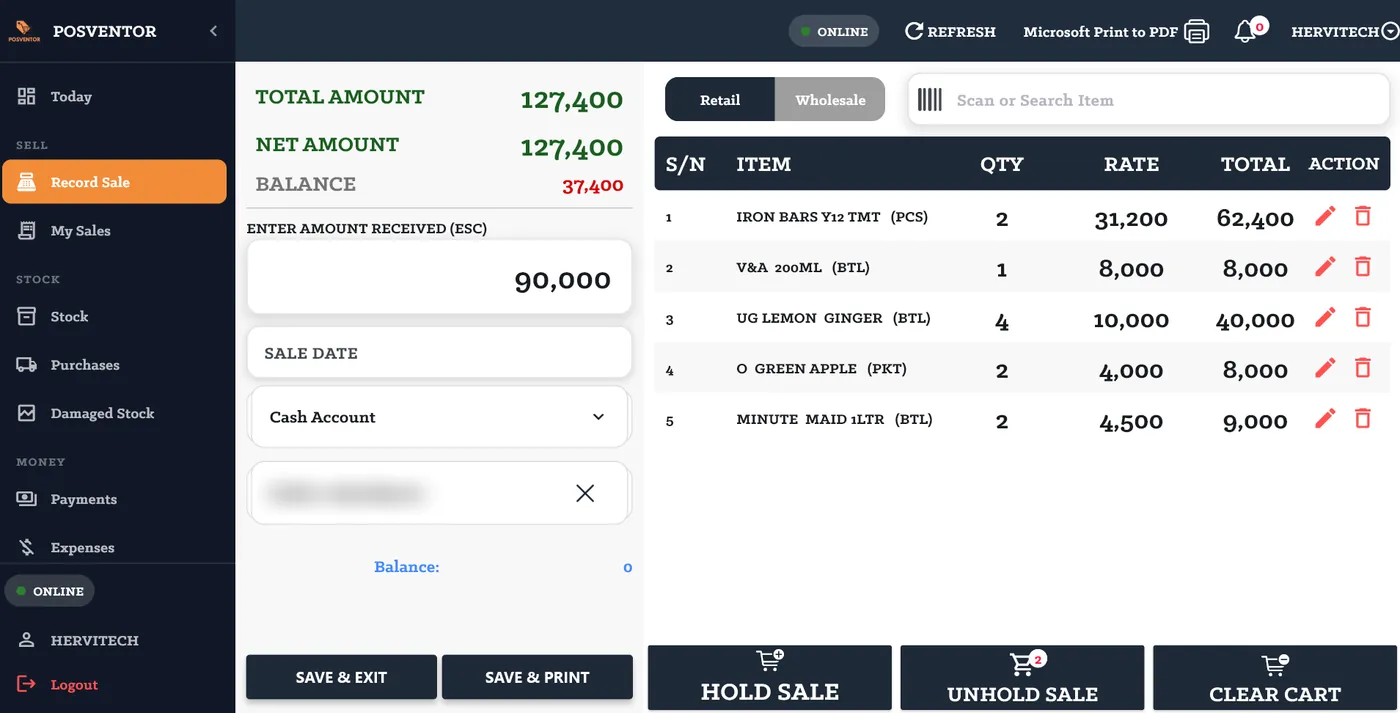
Fast checkout
Sell faster at the counter
A checkout built for busy shops: scan, total, print, next customer.
- Barcode & quick searchScan a barcode or type a product code. Keyboard shortcuts keep the queue moving.
- Thermal receiptsPrints to USB receipt printers with your logo, branch, tagline and return policy.
- Works offlineThe desktop till keeps selling when the internet drops and syncs automatically later.
Stock control
Know exactly what is on the shelf
Stock updates with every sale and purchase, so the numbers are always current.
- Inventory & unitsProducts, services, categories, units and unit conversions (e.g. carton to piece).
- Batch & expiry trackingSee short-expiry and expired stock before it becomes a loss.
- Stores & transfersMove stock between store, warehouse and branches with a clear record.
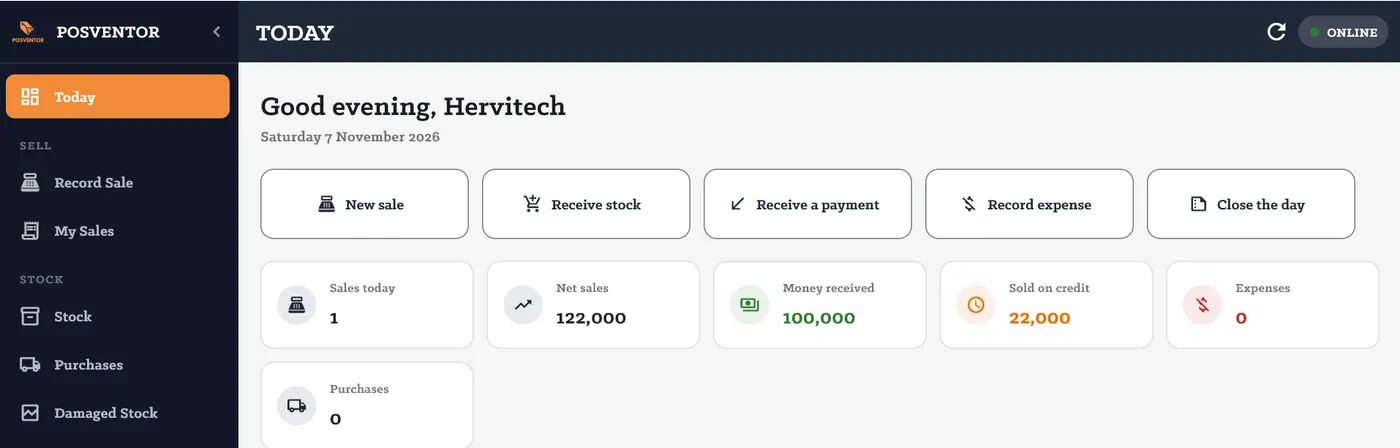
Cash & accounts
Every shilling accounted for
From the till drawer to the bank account, see where money comes from and goes.
- End-of-day cash-upClose each day with expected vs counted cash, per cashier and per payment method.
- Debtors & creditorsCustomer credit, deposits and statements. Supplier balances and payments.
- Expenses & accountsRecord expenses, cash in, cash out and transfers between cash, bank and mobile money accounts.
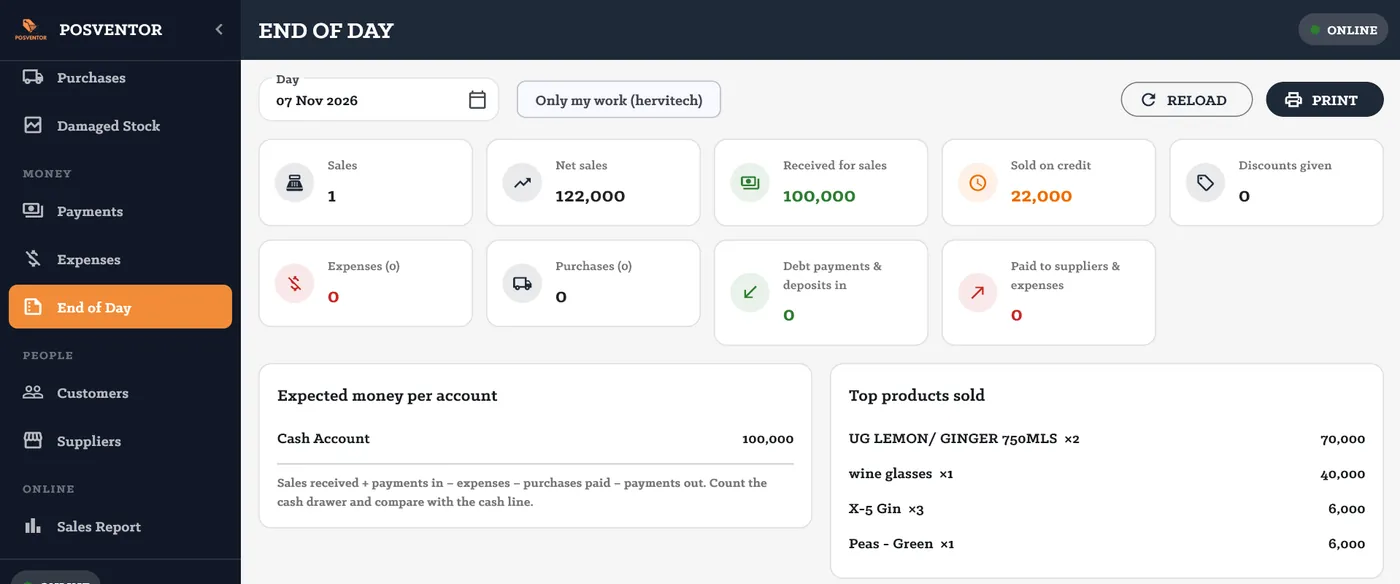
Branches & staff
Stay in control, even when you are away
Run one shop or many from anywhere, with the right access for every staff member.
- Multi-branchEach branch sells on its own; you see all of them in one place.
- Roles & permissionsCashiers see only what they need. Managers approve the rest.
- Audit trailEvery change is logged with who did it and when.
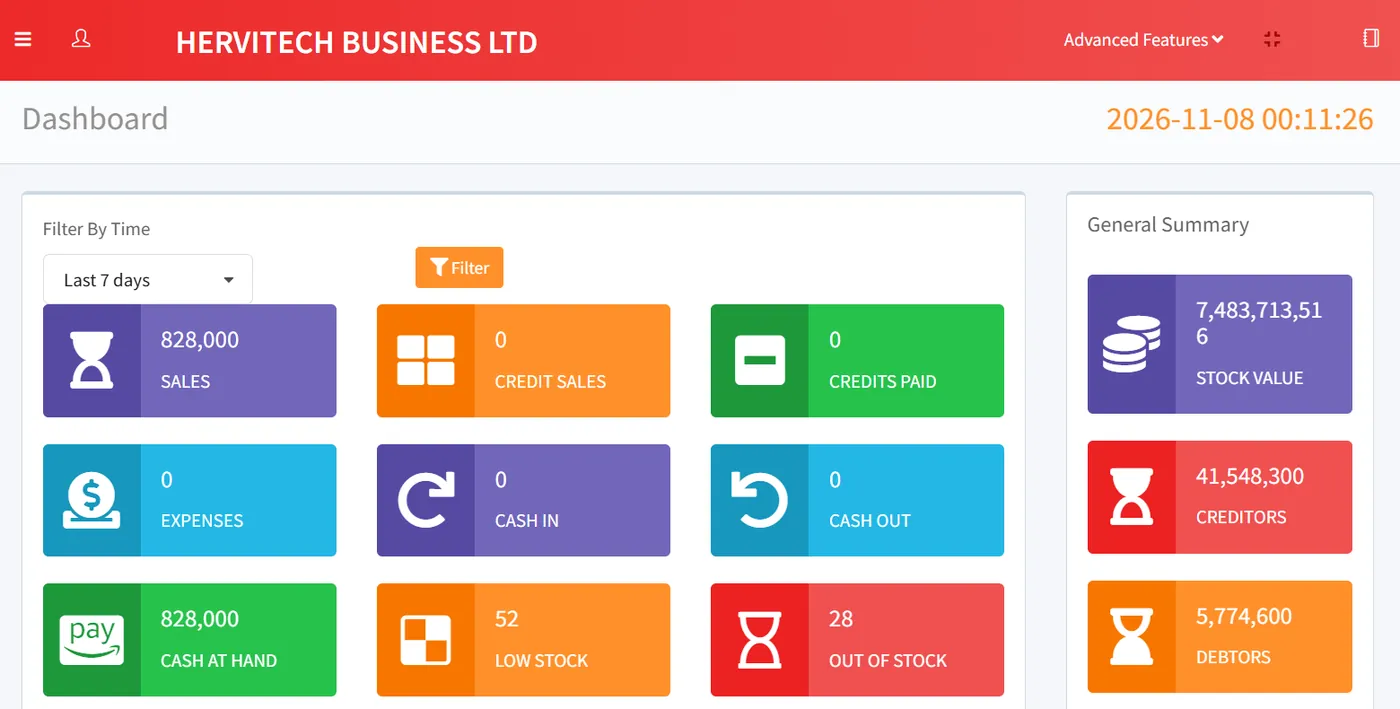
Offline-ready
The internet drops. Your sales don't.
The Posventor desktop till saves every sale on the shop computer and keeps printing receipts. When the connection returns, everything syncs to your account automatically. No lost sales, no double entry.
- Sales, purchases, payments and damages are queued safely
- A clear indicator shows what is still waiting to sync
- Owners see every branch online, from anywhere
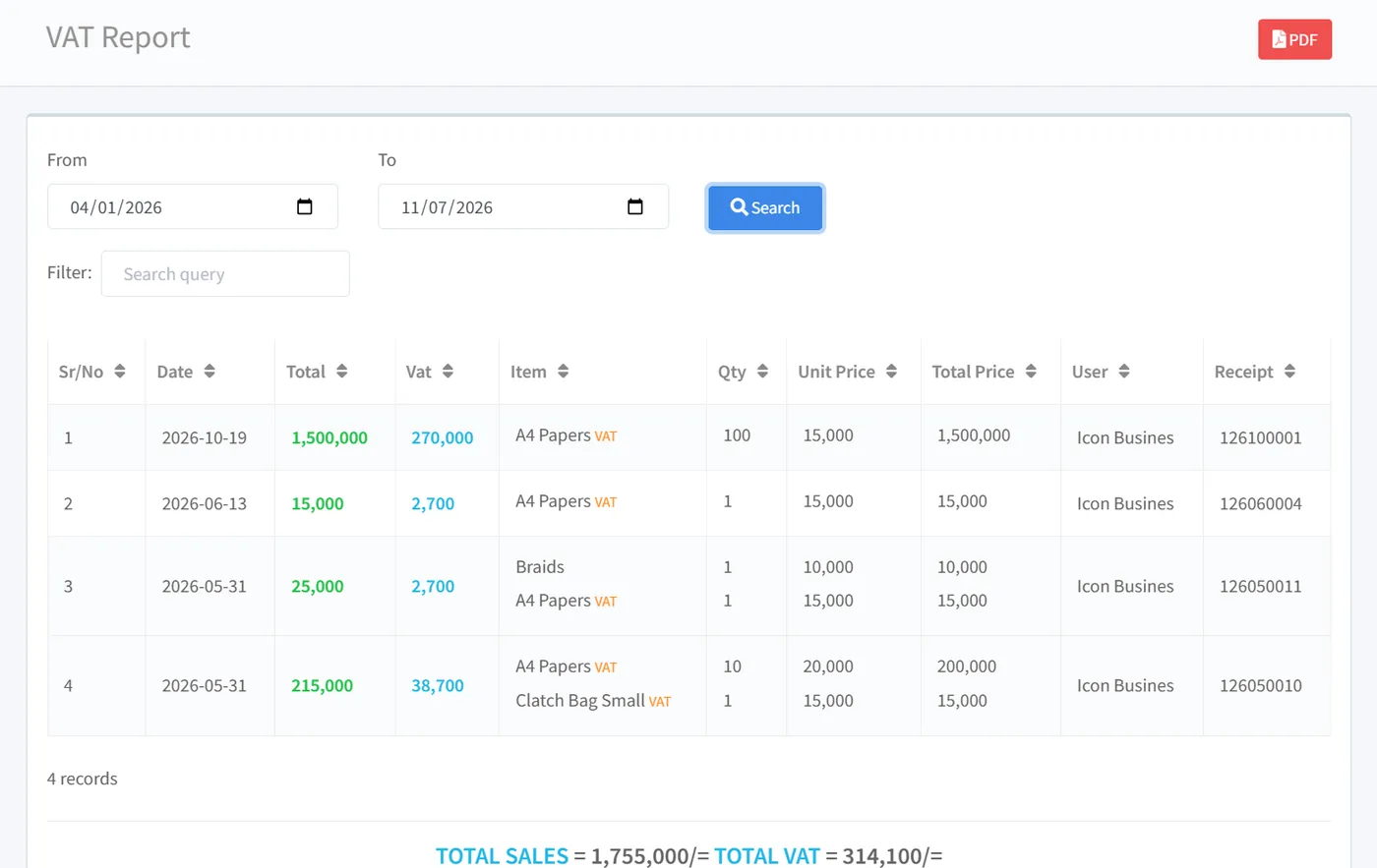
Reports
Your profit, every evening, without a calculator.
25+ ready-made reports: daily sales, cash-up per cashier, VAT, best and slow-moving products, debtors, expiring stock, income & expenditure and cash flow. Export to PDF or Excel.
Industries
Built for how Ugandan businesses sell
Supermarkets & retail shops
Fast barcode checkout, stock that updates itself and a daily cash-up for every cashier.
Bars & liquor stores
Sell by the bottle, crate or tot, and know exactly how many drinks should be in the store.
Boutiques & fashion
Track every item, see what sells and what sits, and give trusted customers credit.
Salons & cosmetics
Charge for services and sell beauty products on one receipt, and keep the shelf stocked.
Customers
Business owners sleep better
“We used to close the day with a notebook and a calculator. Now the cash-up takes five minutes and the numbers always match.”
Grace N.Owner, Nakawa Fresh Mart “Expiry tracking alone paid for the system. We no longer throw away boxes of medicine we forgot about.”
Dr. Samuel K.Pharmacist, Mukono Pharmacy “I run three branches and I can see every sale from my phone. The team in Mpererwe trained my staff in one afternoon.”
Joseph M.Director, Bwaise Wholesalers
- years building business software
- 5+
- businesses served by Hervitech
- 100+
- ready-made reports
- 25+
- typical setup time
- 2–5 days
Getting started
From first call to first sale in days
- 1
Get a free demo
We show you Posventor using a business like yours, on a call or at your shop.
- 2
We set it up
We install it, import your products and configure receipts, branches and users.
- 3
We train your team
Cashiers, store keepers and managers learn on their real work, not a manual.
- 4
Start selling
Go live with us on call. Support continues after setup.
Does Posventor work without internet?
Yes. The Posventor desktop app keeps selling and printing receipts when the internet is down. Sales are saved on the computer and sync to your account automatically when the connection returns.
What hardware do I need?
A Windows computer, and optionally a USB thermal receipt printer, barcode scanner and cash drawer. We can advise on or supply the hardware.
Can I see my sales when I am not at the shop?
Yes. Owners and managers can log in to the web dashboard from any phone or computer to see sales, stock and reports for every branch.
Can you import my existing products?
Yes. Send us your product list in Excel or CSV and we import it during setup, including prices and opening stock.
How long does setup take?
Most shops are up and running in 2 to 5 working days, including training. Larger or multi-branch businesses may take up to a week.
Is my data safe?
Each user has their own login and permissions, every change is recorded in the audit trail, and your data is stored securely on our servers so a broken computer does not mean lost records.
Can I add branches later?
Yes. Start with one branch and add more at any time without losing data. Ask us about pricing for extra branches.
See Posventor running your business
A free, no-obligation demo. We show you sales, stock and reports using a business like yours.
No obligation. Setup and training included in every plan.